
News

From stargazing in Wakita, Oklahoma to guiding technology at Texas A&M, Mark Lacy’s journey is one of curiosity and leadership. Discover how his passion for science and service has made him a standout in Student Affairs.

Texas A&M’s Division of Student Affairs successfully transitioned to Microsoft 365 with minimal disruption, thanks to proactive planning and the Service Desk’s expert support. Discover how departments overcame edge cases and now enjoy new features like Focused Inbox and Cortana Daily Briefing to enhance their email experience.
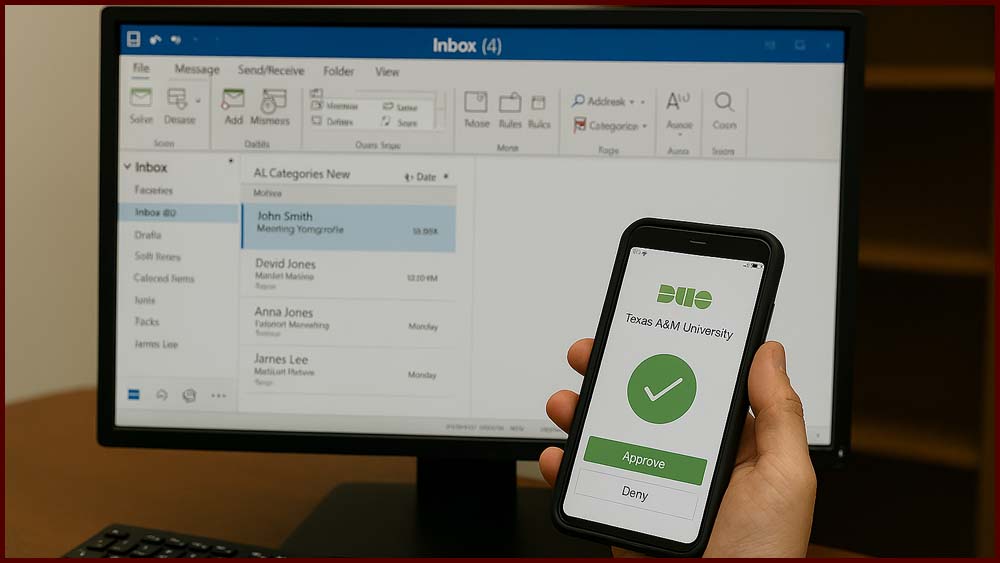
Explore how Student Affairs is enhancing cybersecurity through proactive measures and smarter technology practices. This initiative focuses on protecting data, improving user awareness, and building a more secure digital environment across campus.
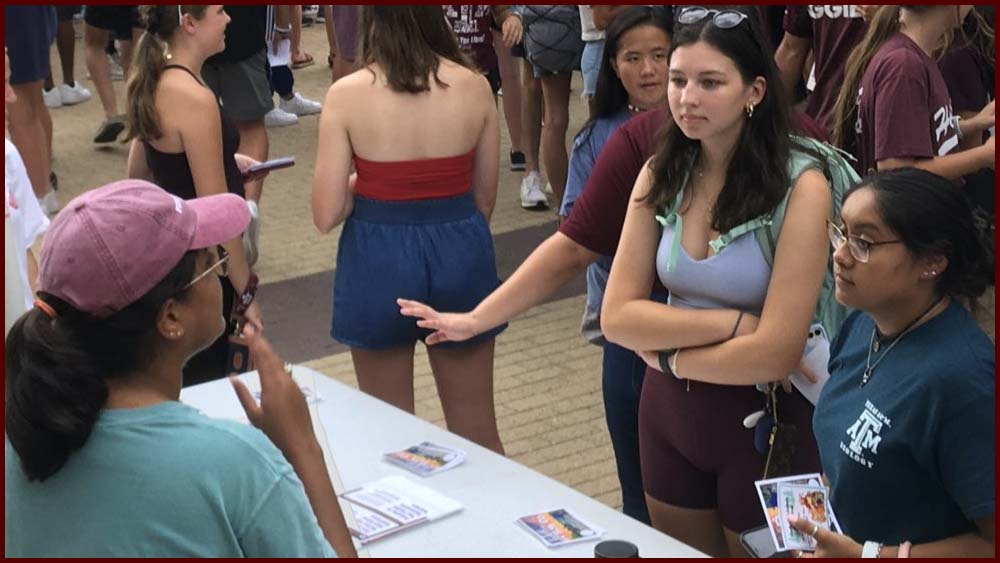
Freshman Leadership Organizations (FLOs) at Texas A&M are thriving, with application numbers breaking records year after year. Discover how these groups are helping students feel connected and engaged—even in a virtual world.

Learn how WordPress empowers Student Affairs staff to create and manage dynamic websites with ease. This training resource introduces key features and tools to help you build engaging content and maintain your site confidently.

Cybercriminals often rely on social engineering tactics like phishing emails and deceptive social media posts to steal personal information. Learn how to spot suspicious activity, protect your identity, and keep Texas A&M safe with practical cybersecurity tips.

From six cadets in 1876 to thousands today, Texas A&M’s student intake process has come a long way. This article reflects on the university’s evolution and how technology continues to improve the student experience.

Get answers to common questions about e-discovery and business continuity practices within Student Affairs at Texas A&M. This resource helps staff understand data retention, legal holds, and how technology supports uninterrupted operations during unexpected events.

Discover how to create and manage polls, surveys, and quizzes using Microsoft Forms—integrated with Teams, Outlook, and more. Explore quick-start guides, Microsoft Learning tutorials, and LinkedIn Learning courses tailored for Texas A&M users.

Technology Services – Student Affairs ensures that student-facing services remain accessible 24/7, even after staff have gone home. With over 70 custom and vendor-supported applications hosted on secure servers, the team keeps operations running smoothly around the clock.