
Historic
Older content from the previous site.

Celebrate the achievements of Texas A&M’s graduating students with the 12th Man spirit. Discover how technology services support student success and honor the journey from classroom to commencement.
Boost your email efficiency with Texas A&M’s Outlook Tips & Tricks—covering smart features like auto-archive, expiration settings, and inbox organization. Explore video tutorials and practical guides to streamline your communication using Microsoft Outlook.

Texas A&M is transitioning Exchange email accounts to Microsoft 365 to enhance stability, security, and collaboration. Learn what to expect during migration—including login changes, calendar adjustments, and mobile setup tips—to ensure a smooth experience.

Texas A&M’s Accessibility Guide empowers web creators to build inclusive digital experiences for all users, including those with disabilities. Learn why accessibility matters—from legal compliance to better usability—and explore practical tips for page structure, navigation, and media design.
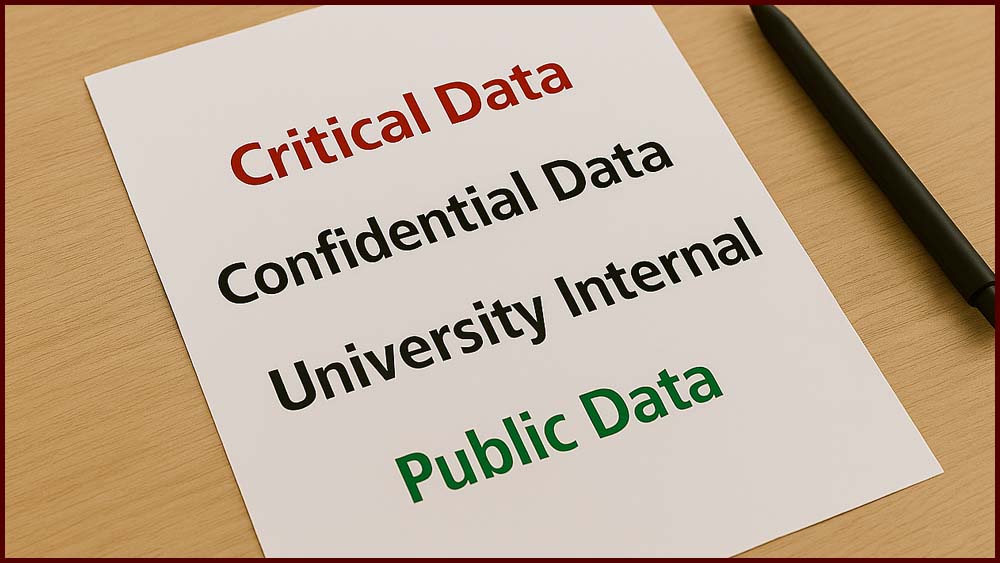
Texas A&M’s Website Content Guidelines help ensure data is properly classified and protected across university websites. Learn how to identify and manage content based on its Data Control level—from public information to critical data subject to legal restrictions.

Texas A&M uses Jamf to manage and secure university-owned Apple devices with minimal disruption and enhanced protection. From remote wiping to silent software deployment, Jamf ensures centralized control and efficient support across campus Apple systems.

Zoom at Texas A&M offers high-quality video conferencing, screen sharing, and chat for seamless collaboration across campus and beyond. Faculty, staff, and students can host meetings, record sessions, and connect with up to 300 participants using this powerful communication tool. [doit.tamu.edu]

TechCare at Texas A&M provides best practices for sanitizing and maintaining your electronic devices safely and effectively. Learn how to clean screens, keyboards, and accessories using approved methods that protect both your tech and your health.

Texas A&M’s AWL resources empower employees to work securely and productively from alternate locations like home. Learn how to connect to campus networks, access remote assistance, and follow best practices for device security and data protection.

Texas A&M’s Division of Student Affairs is relocating critical IT infrastructure to a new data center to enhance reliability and performance. Expect temporary service outages during the scheduled maintenance window as systems transition to the upgraded facility.