
News

Microsoft 365 Copilot training shows users how to boost everyday productivity through hands-on practice using Copilot Chat, Word, Excel, PowerPoint, Outlook, and Teams, including advanced features like Agent Mode, custom instructions, file grounding, and Copilot Pages. The course also teaches how to leverage specialized agents such as Researcher and Analyst to automate tasks, improve insights, create multimedia content, and confidently integrate AI into daily workflows—ideal for all Copilot users and learning‑and‑development professionals.

Your workstation will undergo a weekly maintenance window to keep it secure, updated, and performing reliably. To ensure updates apply correctly, restart your computer at the end of each workday and leave it powered on and connected over the weekend.

Technology Services – Student Affairs is making changes to our weekend maintenance policy. Starting January 17th, 2026, a new weekly maintenance window will be introduced during which all managed workstations will receive scheduled updates and restarts every Friday and Saturday at midnight.

This course, taught by Jess Stratton, demonstrates how Microsoft 365 Copilot can streamline your workflow by helping you chat with your data, create and edit content across Word, Excel, PowerPoint, Outlook, and Teams, and securely summarize information. By learning to use Copilot’s AI‑driven features, you can boost productivity, creativity, and focus while keeping your work data protected.

Texas A&M is transitioning to a new Adobe licensing model to reduce costs and improve access. The update includes a grace period through November 4–5, 2025, and introduces streamlined options for Acrobat Pro, Adobe Express, and Creative Cloud.

The Risk Assessment Project focuses on strengthening IT security by cataloging systems, assessing vulnerabilities, and implementing remediation plans. Spanning October to December 2025, it ensures compliance with institutional policies and Texas DIR security standards through structured inventory, evaluation, and reporting phases.

Discover the complete timeline for the new Student Affairs website, expected to launch on November 13th, 2025. Get answers to frequently asked questions and additional details.

A new Mersive Solstice Pod has been installed in Room 229 to enhance wireless collaboration and screen-sharing capabilities. This upgrade supports seamless connectivity for meetings, presentations, and group work across devices.
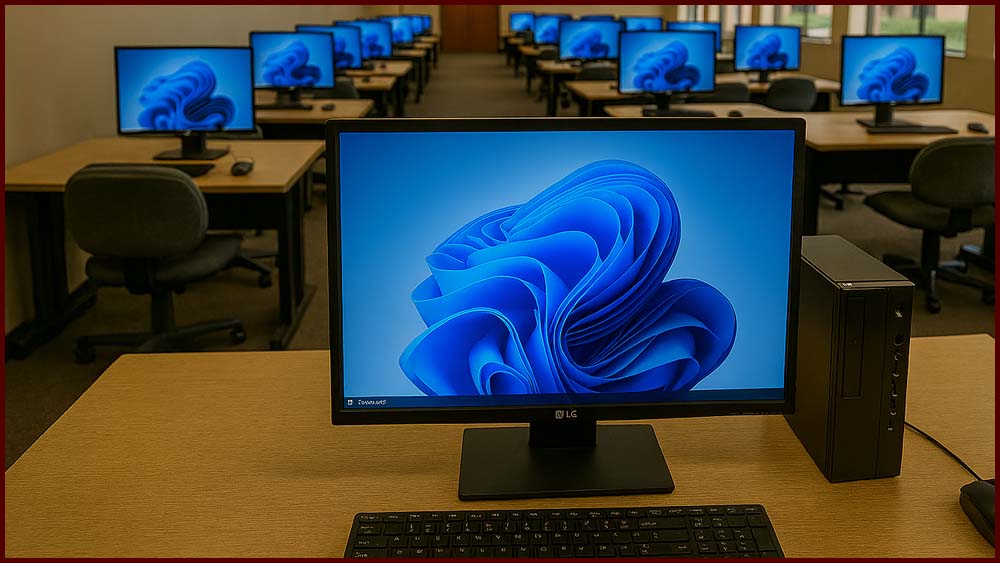
The Windows 11 Migration project ensures all devices are upgraded to Windows 11 before Windows 10 support ends on October 14, 2025. This initiative enhances security, compliance, and performance across the organization.
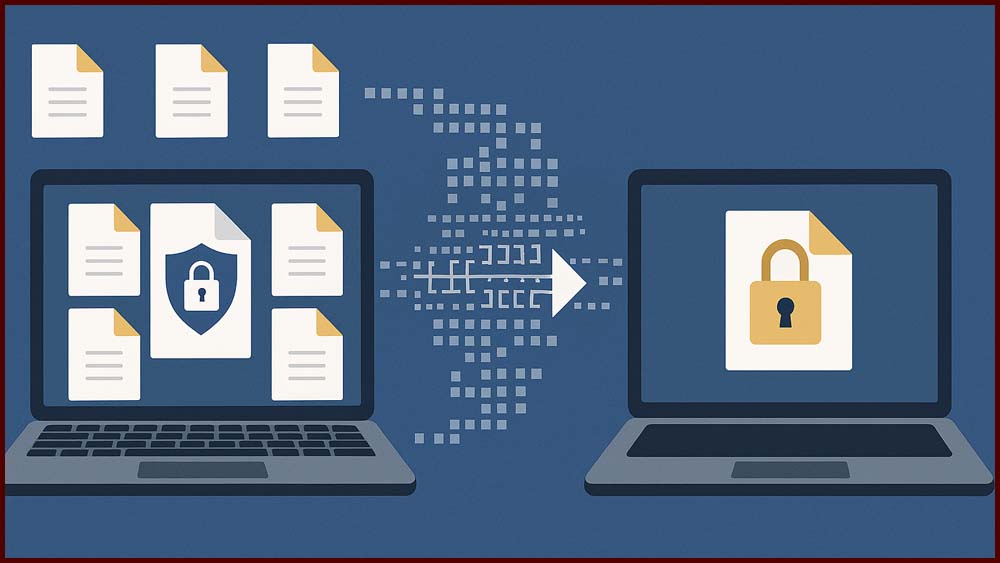
The Filex update introduces a secure, scalable platform for transferring large or sensitive files, ensuring compliance with HIPAA and FERPA standards. It replaces the legacy system with enhanced features like CAS authentication, automatic encryption, and extended storage options for improved user experience.