
News
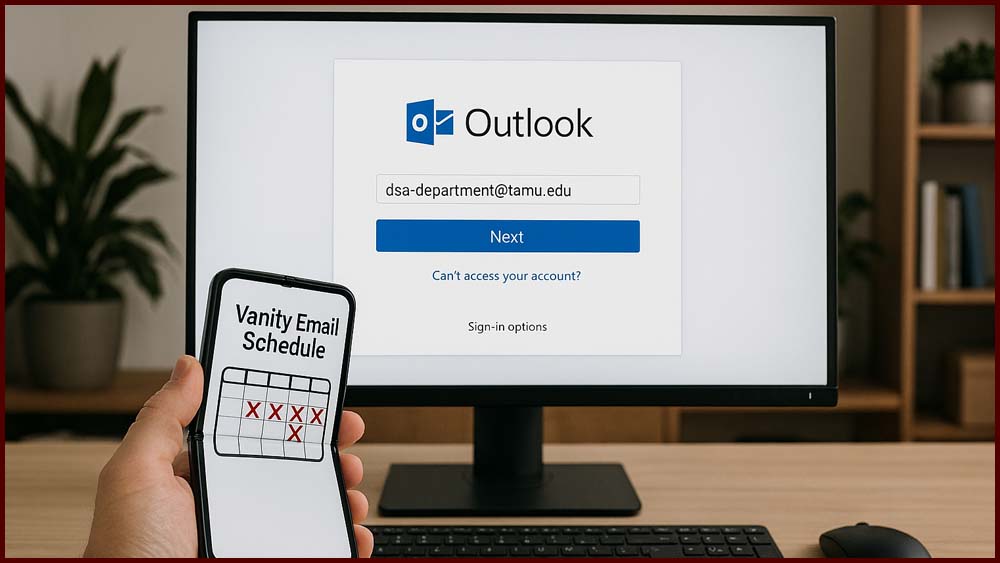
Texas A&M University Technology Services has successfully streamlined email systems across the Division of Student Affairs. The initiative standardized vanity email addresses into a unified format, improving consistency and efficiency for staff, student employees, and shared mailboxes. This transformation, completed in October 2025, followed a structured schedule and phased approach to ensure a smooth transition across all units.

Technology Services will be performing scheduled updates on DSA computers over the weekend to ensure systems remain secure and up to date. These updates are automated and require no action from users, minimizing disruption to work activities.

The Windows 10 End of Life Project ensured a smooth transition to Windows 11 before support ended on October 14, 2025. All remaining Windows 10 devices were removed from the network by October 31, securing compliance and protecting organizational systems.

This course teaches WordPress developers the PHP fundamentals needed to add custom functionality to their sites, guided by instructor Joe Casabona. It covers core concepts like conditional logic, custom functions, and WordPress editors, with hands-on challenges to help learners make simple, practical modifications.

This course takes you from a casual WordPress user to a capable plugin developer by guiding you through building three real-world plugins: a custom post type, a contact form, and a social media sharing plugin. Through hands-on instruction, you’ll learn core plugin development skills and how to prepare plugins for the WordPress Plugin Directory, enabling you to create custom tools or even start a plugin business.

This course, taught by PMP and Microsoft MVP Cindy M. Lewis, shows project managers how to use Microsoft Copilot to streamline everyday project management tasks. It provides practical guidance for creating project documents, managing risks and timelines, improving communication, and leveraging Copilot to enhance team engagement and reporting.

Technology Services is rolling out the Elastic Agent service across PC and Mac devices within the Division of Student Affairs. The deployment will occur in scheduled phases by department, with no disruption to users and no action required once installed.

This course, led by Microsoft MVP Deb Ashby, teaches best practices for using Copilot across Microsoft 365 apps including Excel, PowerPoint, Word, Outlook, Teams, Whiteboard, OneNote, and Loop. It covers everything from data analysis and document drafting to email productivity and presentation creation, equipping you with practical skills to maximize Copilot's capabilities in everyday workflows.
Adobe Acrobat Sign is a cloud-based e-signature service that empowers campus members to send, sign, and manage documents securely from any device. Helpful resources—including login instructions, FAQs, user guides, and support contacts—are available to get you started quickly.

Interested in purchasing CoPilot for Microsoft 365 or learning more about it? Visit the M365 Co-Pilot Info Page and click the “additional fee” link to begin, or log into the IT Self-Service Portal and select "Software" to place your order.