
Recent News

Are your departmental devices fully secure and audit‑ready? Learn how the Device Remediation Audit helps identify gaps, reduce security risk, and keep systems compliant through hands‑on validation and updates by IT technicians.

Texas A&M is transitioning to a new Adobe licensing model to reduce costs and improve access. The update includes a grace period through November 4–5, 2025, and introduces streamlined options for Acrobat Pro, Adobe Express, and Creative Cloud.

The Risk Assessment Project focuses on strengthening IT security by cataloging systems, assessing vulnerabilities, and implementing remediation plans. Spanning October to December 2025, it ensures compliance with institutional policies and Texas DIR security standards through structured inventory, evaluation, and reporting phases.

Discover the complete timeline for the new Student Affairs website, expected to launch on November 13th, 2025. Get answers to frequently asked questions and additional details.
The Windows 11 Migration project ensures all devices are upgraded to Windows 11 before Windows 10 support ends on October 14, 2025. This initiative enhances security, compliance, and performance across the organization.

The Filex update introduces a secure, scalable platform for transferring large or sensitive files, ensuring compliance with HIPAA and FERPA standards. It replaces the legacy system with enhanced features like CAS authentication, automatic encryption, and extended storage options for improved user experience.
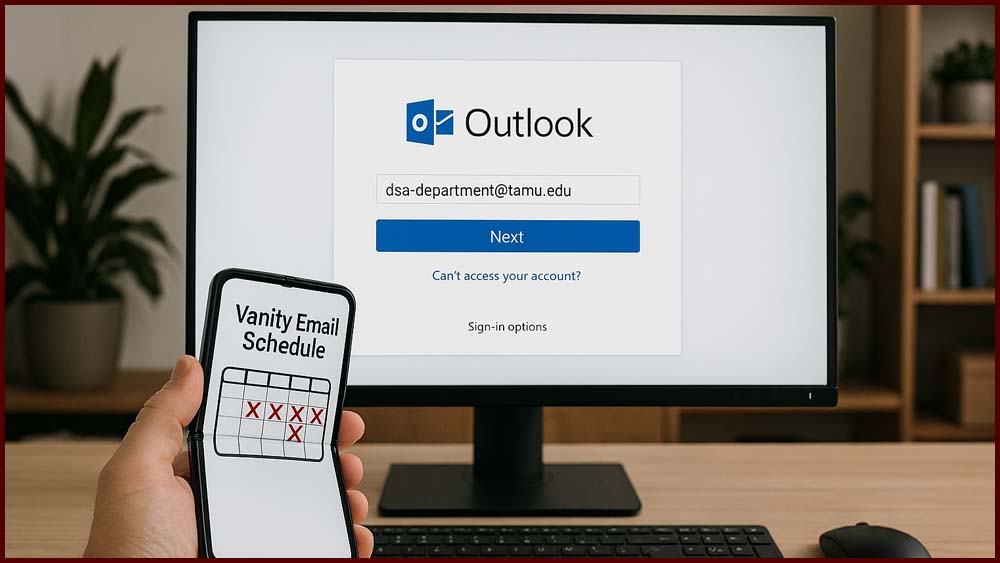
Texas A&M University Technology Services has successfully streamlined email systems across the Division of Student Affairs. The initiative standardized vanity email addresses into a unified format, improving consistency and efficiency for staff, student employees, and shared mailboxes. This transformation, completed in October 2025, followed a structured schedule and phased approach to ensure a smooth transition across all units.
The Windows 10 End of Life Project ensured a smooth transition to Windows 11 before support ended on October 14, 2025. All remaining Windows 10 devices were removed from the network by October 31, securing compliance and protecting organizational systems.
Adobe Acrobat Sign is a cloud-based e-signature service that empowers campus members to send, sign, and manage documents securely from any device. Helpful resources—including login instructions, FAQs, user guides, and support contacts—are available to get you started quickly.

Interested in purchasing CoPilot for Microsoft 365 or learning more about it? Visit the M365 Co-Pilot Info Page and click the “additional fee” link to begin, or log into the IT Self-Service Portal and select "Software" to place your order.